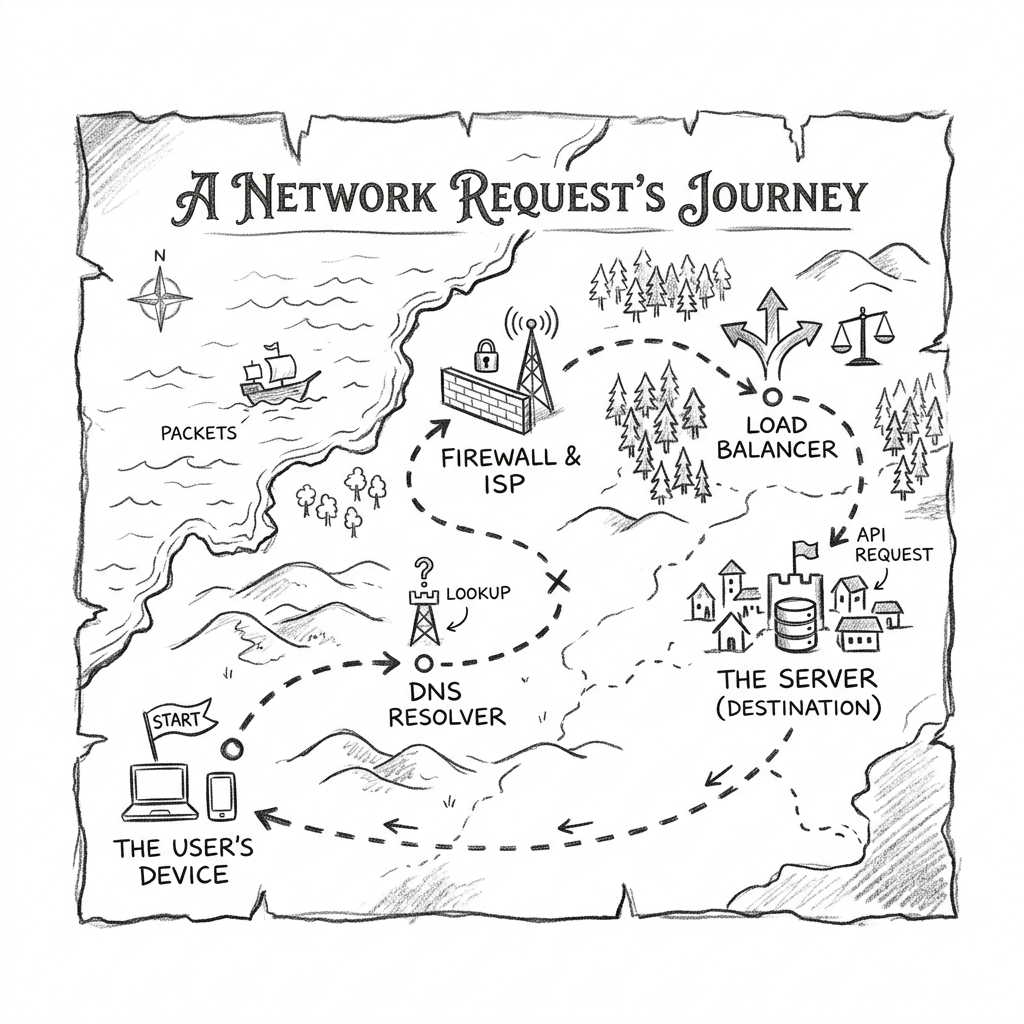
Everything you've built now clicks together. A browser types https://app.example.com, and one request crosses the internet, enters your VPC through the IGW, passes the ALB's security group, gets routed by a listener rule, and lands on a task in a private subnet: which the internet cannot see, yet is serving it.
Trace one request, hop by hop
The stepper
Click Next hop to advance the packet. Each stop explains which lesson's machinery is doing the work.
Ready
Press Next hop to begin. The browser is about to request https://app.example.com/dashboard.
Now break it: debug drills
Real networking knowledge is knowing where to look when it fails. Each drill below animates a broken setup. The packet will die somewhere: your job is to name the fix. These are three of the most common real-world failures, in the order you'd typically meet them.
Drill 1 · "The site just times out"
$ curl https://app.example.com → curl: (28) Connection timed out
DNS resolves fine. The ALB exists, targets are healthy. Watch the packet:
The packet reached the ALB and died at its security group: sg-alb only allowed port 80, and the request came on 443. A silent drop looks exactly like a timeout to the client (no rejection is sent). SG misses are the #1 cause of "it times out" tickets.
Drill 2 · "502 Bad Gateway"
$ curl https://app.example.com → HTTP/2 502: and the target group shows all targets unhealthy
The app process is running and listening on 8080. sg-app allows 8080 from 203.0.113.5/32 (someone's office IP, from a debugging session). Watch:
The ALB got the request but couldn't reach the target: sg-app admits only the office IP, so both live traffic and health checks from the ALB are dropped. That's why targets showed unhealthy: health checks are subject to security groups too. Opening to 0.0.0.0/0 would "work" but throws away the private-subnet protection; the SG-reference is the correct fix.
Drill 3 · "The new ALB has no reachable address"
$ curl https://app.example.com → curl: (28) timed out: traceroute dies before the VPC
A teammate deployed the ALB with Pulumi and passed it the private subnet IDs. Both SGs are correct. Watch:
Lesson 1's rule strikes again: "public" is a property of the subnet's route table, not of the ALB. An internet-facing ALB placed in subnets with no IGW route gets addresses that can never receive internet traffic: return packets have no path. No SG rule or Elastic IP can fix routing that doesn't exist.
The debugging order that always works: DNS → routing (is there a path?) → security groups (is the path allowed?) → the application (is anything listening?). Each lesson in this course is one layer of that checklist.
Core complete: now widen the lens
You can now read any standard cloud architecture diagram and know exactly why each box is where it is: the VPC defines the address space, subnets and route tables define reachability, security groups define permission, and the ALB defines distribution and health. Same story on Azure: VNet, NSG, Application Gateway: different nouns, identical physics. The remaining lessons zoom out: how the name got resolved in the first place, how VPCs talk to each other, how to reach AWS services without the internet, what happens at the global edge, and how to read the network's own logs.