The Receive Window
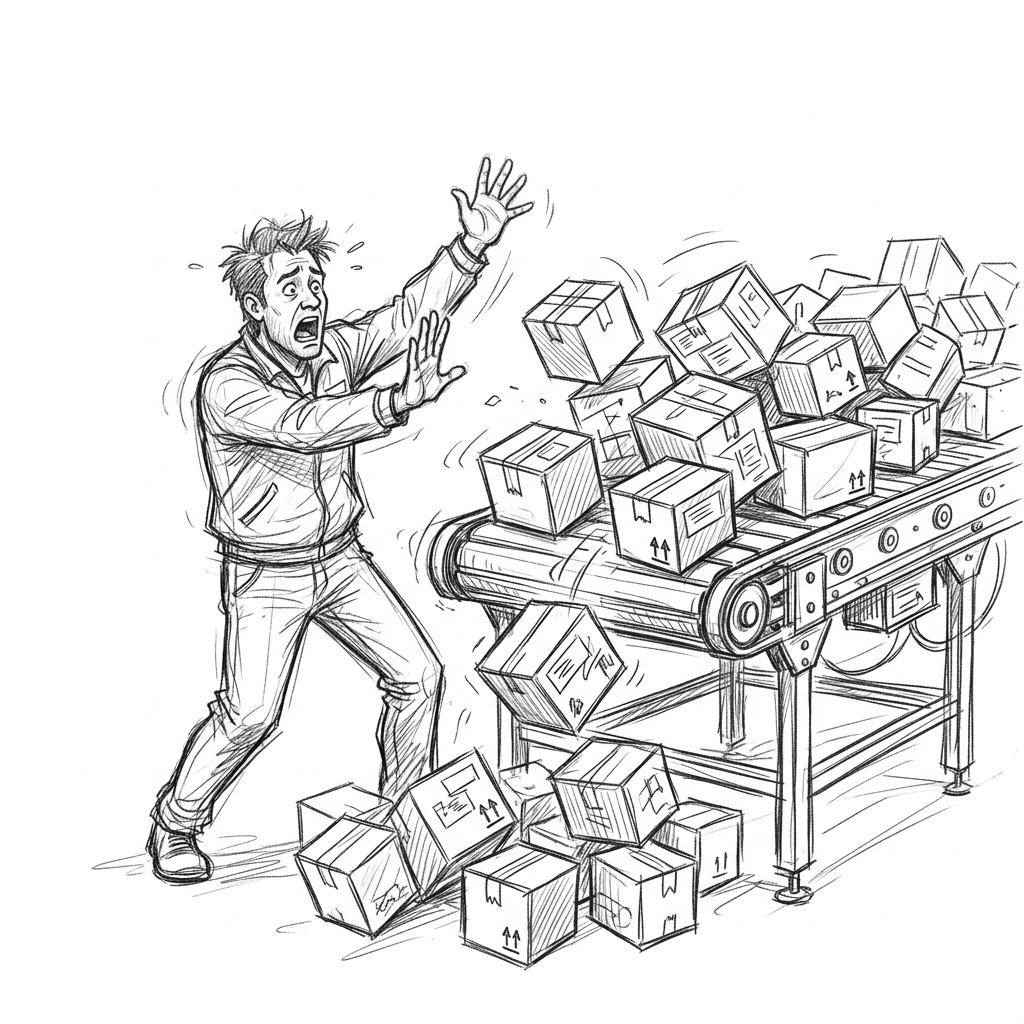
A fast sender can easily overwhelm a slow receiver. If a server is downloading a massive file over a gigabit connection, but its hard drive can only write at 10 MB/s, the OS kernel will quickly run out of memory buffering the incoming packets.
TCP solves this with Flow Control. Every single ACK packet sent by the receiver includes a 16-bit field called the Receive Window (rwnd). This field tells the sender: "Here is exactly how many more bytes of buffer space I have available right now."
The Zero-Window
The sender is strictly forbidden from sending more unacknowledged data than the receive window allows. As the receiver's buffer fills up, its advertised rwnd shrinks. If the buffer gets completely full, the receiver advertises a Zero-Window (rwnd=0), which acts as a hard stop.
Receiver Overwhelm Simulator
Click "Send 200 Bytes" rapidly. Watch the receiver's buffer fill up and its advertised window shrink to 0. The sender will become blocked until you click "App Reads Data" to free up receiver buffer space.
When the window hits zero, the sender stops transmitting data. However, how does the sender know when the window opens back up? If the receiver sends an ACK saying "rwnd is now 400", but that ACK is lost in the network, the sender would wait forever, and the receiver would wait forever for data.
To prevent this deadlock, when a sender is blocked by a zero-window, it periodically sends a Zero-Window Probe: a packet containing just 1 byte of data. The receiver is forced to ACK the probe and advertise its current window size. If it's still zero, the sender backs off and probes again later.